
Automating Excel Tasks with AI
In the fast-paced world of finance, time is of the essence. As financial professionals, we constantly seek ways to streamline our workflows and reduce the time spent on repetitive tasks. Enter Artificial Intelligence (AI) and its integration with Microsoft Excel. By leveraging AI, we can automate mundane tasks, enhance data analysis, and make more informed decisions faster. In this post, we explore the transformative power of AI in Excel and how it can revolutionise financial modelling.
Flash Fill: Simplifying Data Entry
One of the most accessible AI features in Excel is Flash Fill. This tool detects patterns in your data and fills in the remaining cells based on a few examples you provide. It’s particularly useful for cleaning and transforming data without needing complex formulas.
Example: Suppose you have a list of unformatted phone numbers. By entering the desired format for a few entries, Flash Fill will automatically reformat all phone numbers, saving you significant time and effort.

Macros: Automating Routine Processes
https://youtu.be/5l1wZCPZEkMMacros allow you to record and replay a sequence of actions whenever needed. This is invaluable for tasks that must be performed regularly, such as generating monthly reports or formatting data.
Example: Imagine you need to create a monthly financial report with the same format each time. By recording a macro that formats the data, adds charts, and performs calculations, you can automate this process with a single click, ensuring consistency and saving time.
Power Automate: Advanced Workflow Automation
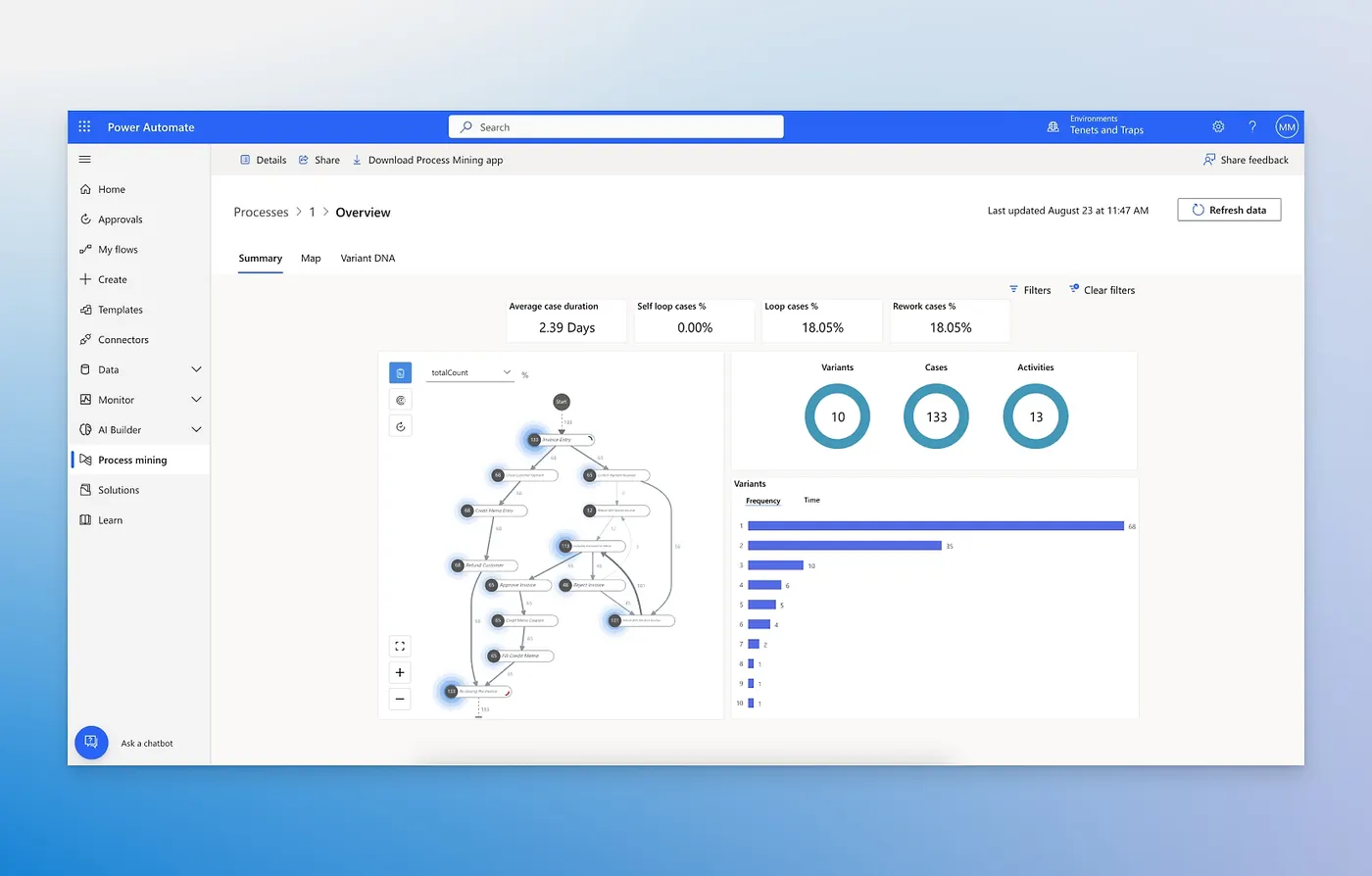
For those seeking even more advanced automation, Power Automate (formerly Microsoft Flow) allows you to create workflows that integrate Excel with other apps and services. This cloud-based tool can automate everything from data collection to notifications.
Example: Suppose you receive daily sales data via email. You can create a flow in Power Automate that automatically extracts the data from the email attachment and updates your Excel sales report. This seamless integration can significantly reduce manual data entry and improve accuracy.
AI-Driven Functions: Enhanced Data Analysis
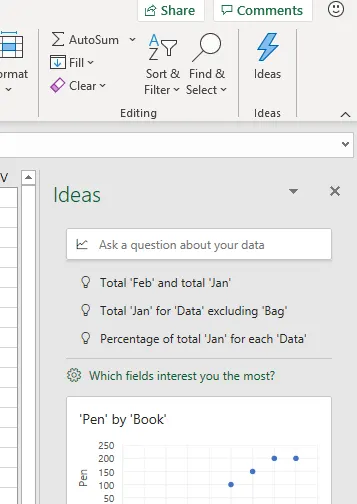
Excel’s AI-driven functions, such as Forecast Sheet and Ideas, bring advanced analytical capabilities to your fingertips. These tools can automate complex analyses and provide actionable insights based on your data.
Example: Using the Forecast Sheet function, you can create a forecast for future sales based on historical data. This predictive analysis helps plan inventory, allocate resources, and set realistic sales targets.
Conclusion
Incorporating AI into your Excel workflows can transform how you approach financial modelling. By automating repetitive tasks, you not only save time but also reduce the risk of human error and enhance the accuracy of your analyses. Whether you’re using Flash Fill for data entry, macros for routine processes, Power Automate for complex workflows, or AI-driven functions for advanced analysis, the benefits are clear: increased efficiency and better decision-making.