
In the world of financial modelling, time is money. Whether you're racing to prepare for a client meeting, finalizing quarterly projections, or updating valuation models, nothing derails productivity like a sluggish Excel workbook. As someone who's spent countless hours optimizing financial models, I'm excited to share a tool that's changing the game for financial professionals.
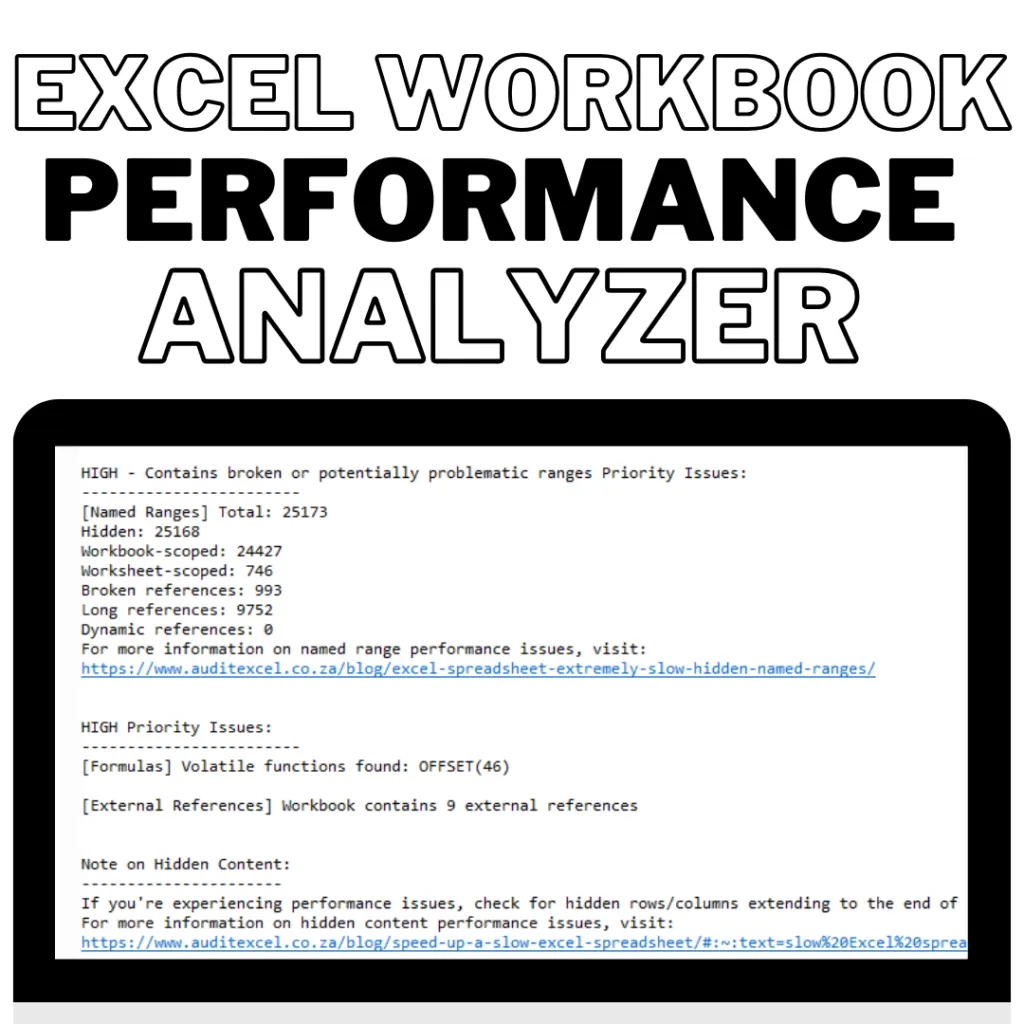
The Hidden Cost of Slow Excel Models
We've all been there. You're presenting a crucial financial model to stakeholders when Excel suddenly freezes. Or you're working late, watching the calculation progress bar inch forward while the deadline looms. These aren't just annoyances—they represent real business costs:
- Lost productivity: Financial analysts spend up to 30% of their time waiting for complex models to calculate
- Decision delays: Critical investment decisions get postponed when models can't be updated quickly
- Error risk: Performance issues often lead to simplifying models, potentially sacrificing accuracy
After seeing these problems repeatedly across different organizations, we developed a solution.
Financial models often involve repetitive tasks such as data cleaning, consolidation, and complex calculations. Python’s automation capabilities streamline these processes, reducing errors and saving time.
- Automate data imports from APIs, databases, and websites.
- Run complex calculations across multiple sheets instantly.
- Reduce reliance on manual VBA macros, which can be cumbersome and error-prone.
Introducing the Grey Beards Excel Workbook Performance Analyzer
We built this specialized diagnostic tool specifically for financial modellers who need to maintain both model complexity and performance. Unlike general Excel optimization tips, our analyzer targets the specific challenges that make financial models slow:
Key Features
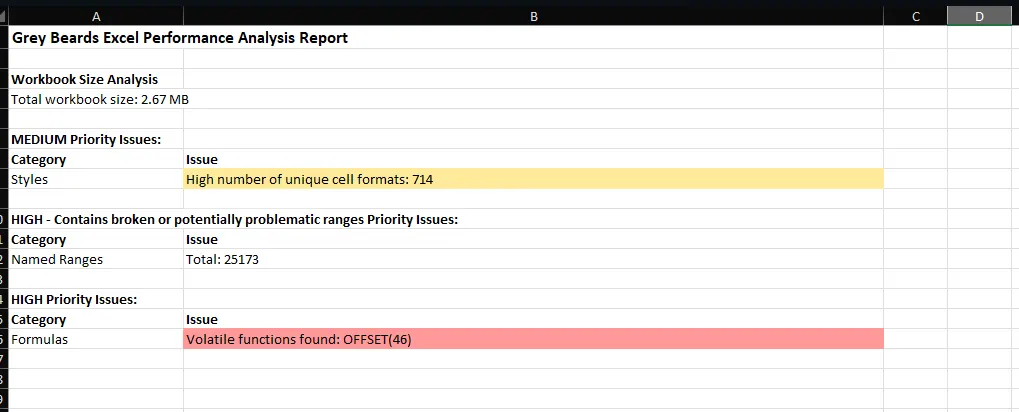
- Deep Formula Analysis: Identifies volatile functions, array formulas, and calculation chains that create bottlenecks
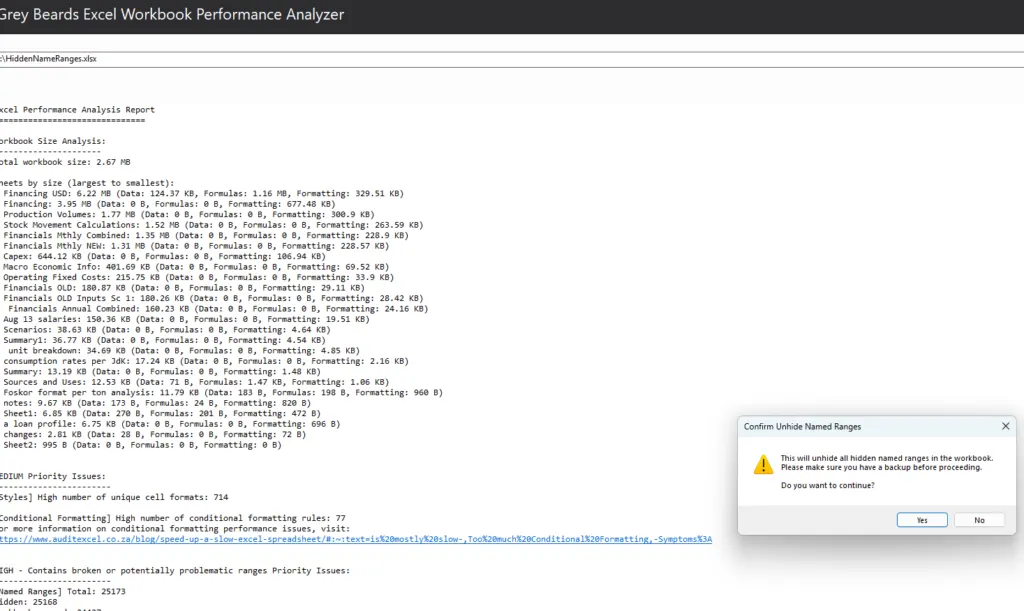
- Sheet-by-Sheet Size Breakdown: Shows exactly which sheets are consuming memory and why
- Hidden Element Detection: Reveals and optionally unhides "very hidden" worksheets and named ranges that might be causing issues
- External Reference Mapping: Identifies links to external workbooks that create dependencies and slow calculations
- Practical Recommendations: Provides actionable suggestions tailored to financial modelling best practices.
Real Results from Financial Professionals
Our quarterly consolidation model had grown to 62MB and took over 5 minutes to recalculate. After running the analyzer and implementing its recommendations, the file size dropped to 28MB with calculation time under 45 seconds—without sacrificing any functionality.
Investment Banking Analyst
I inherited a complex LBO model that would crash Excel whenever certain scenarios were run. The Performance Analyzer identified several circular references and excessive conditional formatting that weren't visible through normal means. After fixing these issues, the model runs flawlessly.
Private Equity Associate
Beyond Speed: Building Better Models
What makes this tool particularly valuable for financial modelling professionals is how it helps build better modelling practices. The analyzer doesn't just identify problems—it educates users on why certain approaches cause performance issues and suggests modelling alternatives.
For example, it might flag a SUMIFS formula spanning entire columns and suggest using Tables with structured references instead, explaining both the performance benefit and the improved maintainability.
Is Your Financial Model Running at Peak Performance?
Here's a quick self-assessment:
- Does your model take more than 30 seconds to calculate?
- Has your workbook grown beyond 10MB?
- Do you use OFFSET, INDIRECT, or volatile functions like TODAY()?
- Does your model reference external workbooks?
- Are there hidden worksheets or named ranges you didn't create?
If you answered "yes" to any of these questions, your model likely has optimization opportunities that could save you hours each week.
Limited Time Offer - Try It For Yourself
We're offering Financial Modeling Podcast listeners an exclusive 30-day trial of the Grey Beards Excel Workbook Performance Analyzer. Visit here and use code FMPOD to access your extended trial.
After experiencing the difference optimized models make to your workflow, you'll wonder how you ever lived without it.