
Start and Launch Your Own Podcast, Business or Personal Brand
Disclosure: Some of the links below are affiliate links, meaning, at no additional cost to you the Financial Modelling Podcast may earn a commission if you click through and make a purchase.
The Step-by-Step Guide on Becoming a Subject Matter Expert, Podcaster and Entrepreneur
I’ve been very fortunate to have experienced the thrills of entrepreneurialism a few times. I love nothing more than building a company up from the ground. The freedom of creativity, the excitement and the trepidation all come together in one intoxicating feeling of hunger and passion. Being an entrepreneur isn’t for everyone. However, in today’s digital world the lines between being an employee are becoming more blurred.
For example, many employees have decided to earn extra income by marketing their subject matter expertise. Many, however, struggle with the very first step. Where do you start and how do you market yourself? Where can you get a logo designed at a low cost? If you want to host a podcast, what platform can you use to ensure the podcast reaches every podcast app and ear possible? And what about graphic design for social media – not everyone is a Photoshop wizard!
In this short article, I’ll give you the steppingstones into your own entrepreneurial journey.
Get a Company or Brand Name and Logo
The first thing you need is a personal or company brand. What will your name be? Subject Matter Experts often opt for their own name, which works well. However, if you foresee your company growing or offer something specific, a name might work well. I chose the Financial Modelling Podcast for my podcast and blog because it reflected accurately what it’s all about in three simple words!
In terms of a name – if you get stuck, you can always engage a naming expert on Fiverr.
For a brand logo – I’ve personally used Fiverr for all my branding efforts, such as logo design; however, there are other great tools such as Canva if you’d like more control!
Get a Logo
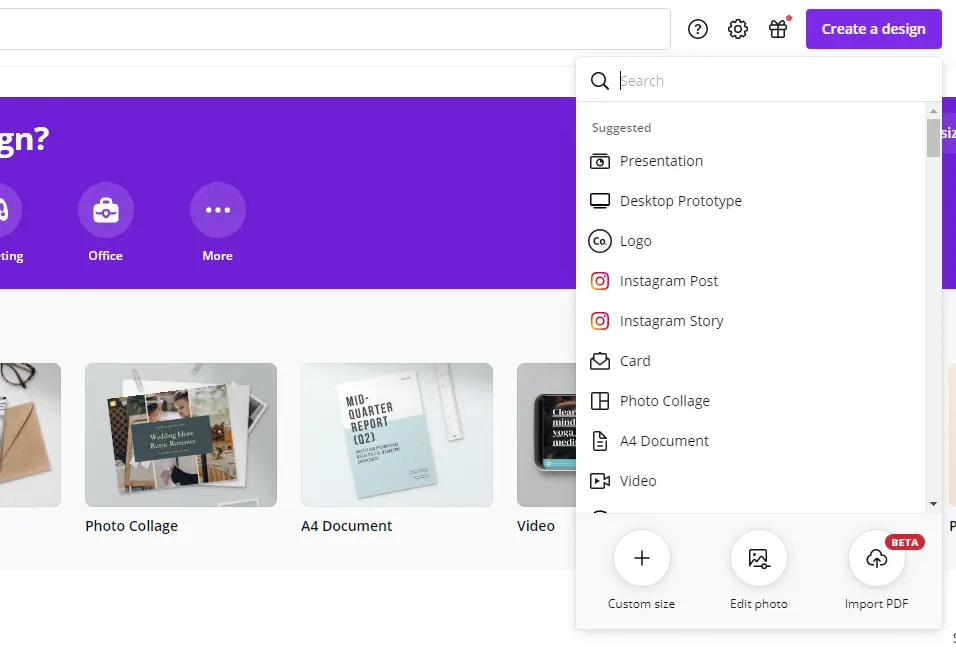
Regardless of where you get your name and logo from, once you do have this, I would personally recommend Canva Pro anyway for all of your social media needs. Designing anything from presentations to blog and email headers is made so easy in Canva, I even use it sometimes just to remove background of an image and turn it into a PNG file! It is no surprise that Canva is valued at $15 billion.
Start DesigningRegister and launch a personal or company website
Now that you have a fancy name, brand, logo, and some colour scheme, you need somewhere for people to find you! Of course, you can utilise the normal social media channels such as LinkedIn, Instagram, Twitter and TikTok, but you really should have a website as well.
Getting a website really comes down to four steps:
- Registering your domain name
- Choosing a hosting platform
- Designing and publishing your website
- Keeping your website up to date to encourage visitors to check in regularly
Registering your domain name and choosing a hosting platform made easy
The key here is to really keep it short and simple. I even think financialmodellingpodcast.com is far too long, but I had already committed to both a podcast and brand name (and logo I liked). So, I wouldn’t follow my lead here – something snappy and easy to remember is the way to go.
If you aren’t sure if your website name is taken or are ready to register, you can use Bluehost or Namecheap. Bluehost comes with WordPress and email hosting and is the solution I chose for the Financial Modelling Podcast. It even has a WordPress site builder if you aren’t keen to go down the theme route.
I’ve found the support of Bluehost to be good too, which is important for an individual who doesn’t have days to wait for service providers and for someone who needs to be online 24/7. They offer Shared Hosting (where you share a server with other websites), online store hosting and managed WordPress hosting. You can register a variety of domain names with them as well (.com, .life, .tech etc.).
Designing and publishing your website
This can also be done via Bluehost, I really recommend this all-in-one platform.
I would personally recommend one of two options for getting your designing and building your website.
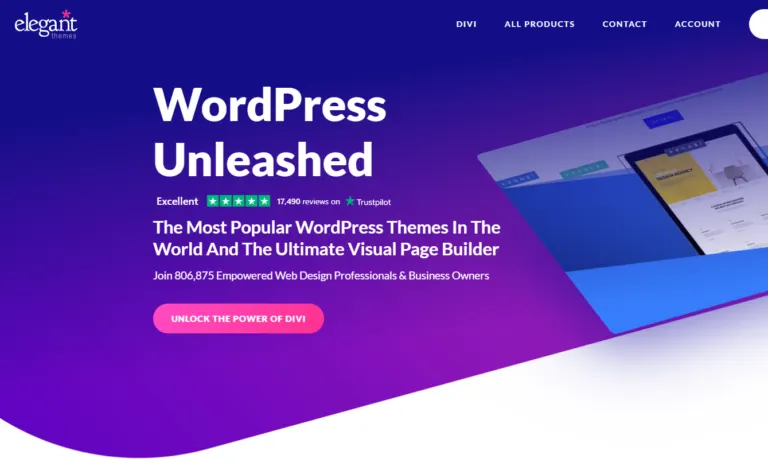
The first is to use WordPress, which has a multitude of themes and website builders that can be installed as plugins. These make the website build much easier. You can find some great website themes at Elegant Themes, and they also have their own drag and drop website builder called Divi. The themes are highly customisable, and the site allows for building online shops.
The second option is to use another website builder such as Wix. Wix has customisable templates, allows for easy online store creation and is also ‘drag and drop’. I like that Wix is built with mobile in mind, specifically allowing website builders to alter mobile views and ensure their site looks good on any device. They also have over 500 templates to choose from.
If you want to create landing pages for specific campaigns, Landingi is also a good option. Again it's drag and drop, allowing for quick site development for those not familiar with CSS, HTML etc.
Drag and drop graphic design with Canva
Talking about content, you should also provide regular updates to your followers on your various social media platforms. For this, I recommend Canva with its multitude of templates for Instagram posts and stories, Twitter banners and posts and everything else. Canva is graphic design for the least tech-savvy and creative amongst us. It’s so easy I almost feel like I’m cheating sometimes.
But it’s the only way I can create content on an ongoing basis without going insane. Point and click, drag and drop – that’s the way I like to do graphic design! It’s no wonder their tagline is “Canva makes design simple for everyone.” Side note – should the Financial Modelling Podcast get a tagline?
Start Designing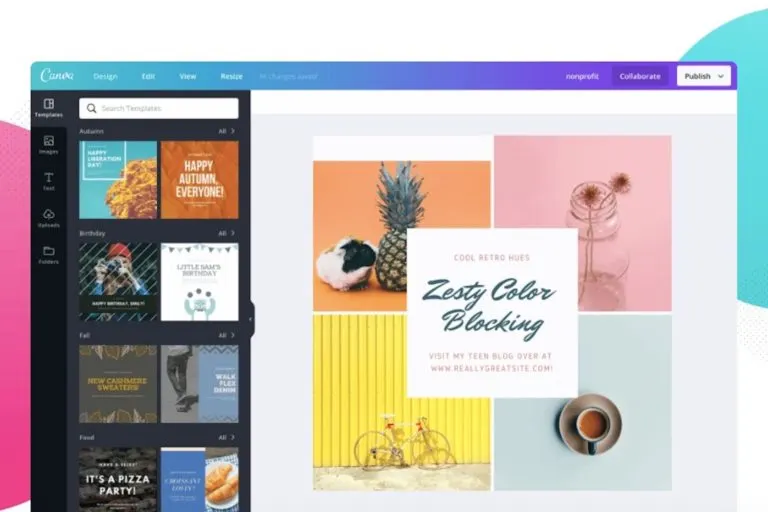
Keeping your website updated
This is really the crux. Anyone can register a website (and almost everyone has!). Coming up with enticing and informative content on an ongoing basis is easier said than done. This is really where your drive and passion for your chosen topic or niche will need to shine.
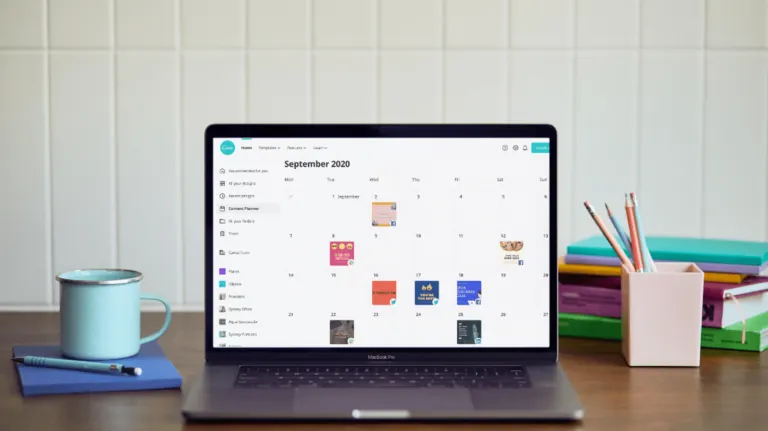
There are thankfully tools to make our lives easier when it comes to content generation. Canva again comes to the rescue with their content planner and generation tools, another reason to go Canva Pro!
Host your own podcast
Talking about podcasts (and although you may not believe it that was a very unintentional segue), hosting your own podcast is a terrific way to share your ideas and knowledge with listeners globally. The financial Modelling Podcast has led me on some amazing journeys and allowed me to engage with experts in various finance and analytics fields that I would never have met had I not had a reason to connect. I’ve used my podcast as my own networking and educational vehicle – and I’ve reaped the reward tenfold.
Many people ask me why I created a podcast, and I think the fact that it was so easy to do was quite an influencing factor. Buzzsprout lets you get your podcast started. Following this link lets Buzzsprout know we sent you, gets you a $20 Amazon gift card if you sign up for a paid plan, and helps support our show.
Connect with your audience
While a podcast is your audio medium, email newsletters round out the ways in which you can connect with your audience and build your own subscriber base.
I use Mailchimp to stay in touch with and grow my audience. Mailchimp allows you to sign up audience members and stay in touch with them regularly with their awesome email templates.
You can use Mailchimp to build emails, social ads, landing pages, postcards and more to keep your audience engaged with your content and your brand. Mailchimp also has some smart algorithms to help you figure out the best time to send emails and even has an AI power content generation assistant!
Start Communication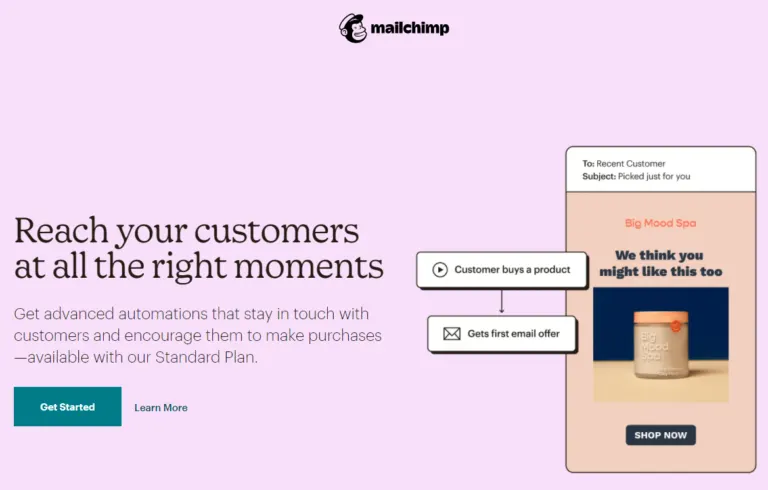
Launch your own online course
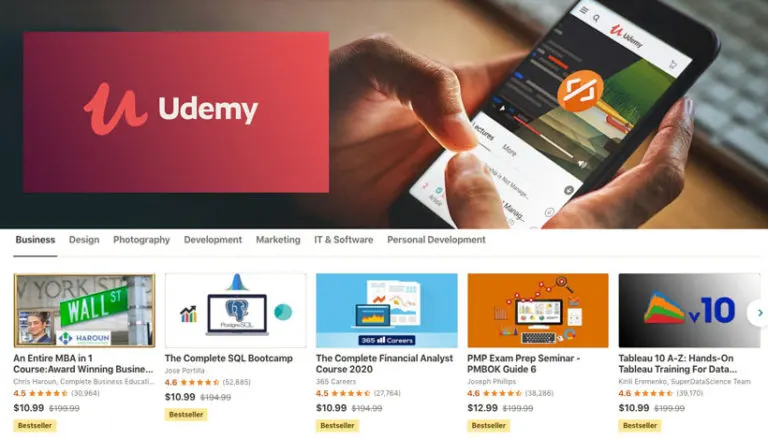
If you really are an expert in your field, why not share your expertise and earn money while doing so? I’ve been using Udemy for the past three years to sell my online courses on financial modelling and project finance. There are many course marketplaces, but Udemy has a huge traffic volume that aids in your course being found.
There is no easier way to build recurring revenue than a course- selling knowledge you already have!
Start TeachingLearn from Other Successful Entrepreneurs and Podcasters
I have always enjoyed taking online courses as well! I learnt a lot about podcasting from a course I found on Learn from Fiverr. They have courses on everything from building a website on WordPress to SEO to how to sell on Amazon! How’s this one called “Get Started With Your Business Or Side Hustle”.
Start Learning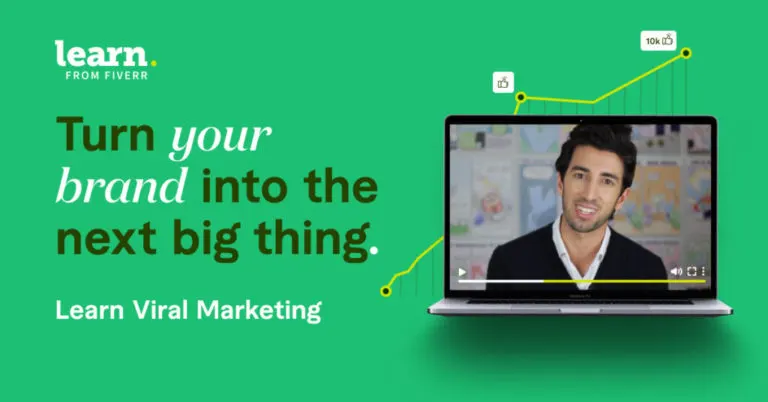
Other Useful Tools of the Trade
Letting people schedule meetings with you
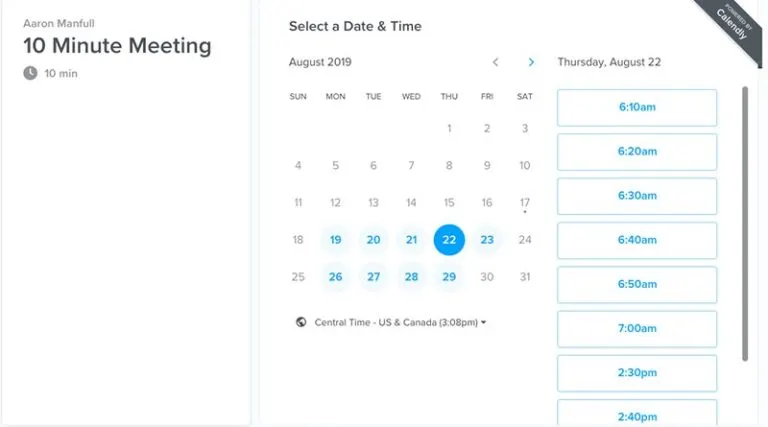
Calendly is a great scheduling platform for those that aren't connected in Google or Microsoft in order to see each other's calendars. It's a scheduling platform that makes “finding time” a lot easier!
Managing and generating your passwords securely
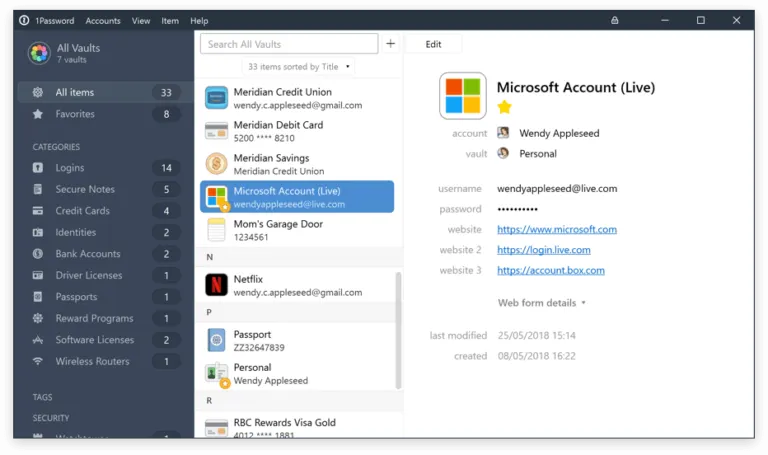
You'll be using a lot of different apps, websites and services as an entrepreneur. 1Password will help you generate, manage and easily complete all of your usernames and passwords. No surprise then that more than 70,000 companies such as IBM, as well as technology
leaders like Slack and Dropbox, trust 1Password to secure their business. With 1Password, you can securely share everything you need to work together, and give employees access to logins, documents, credit cards, and more, on all their devices.
Keeping all your notes digitised, secure, searchable and in one place
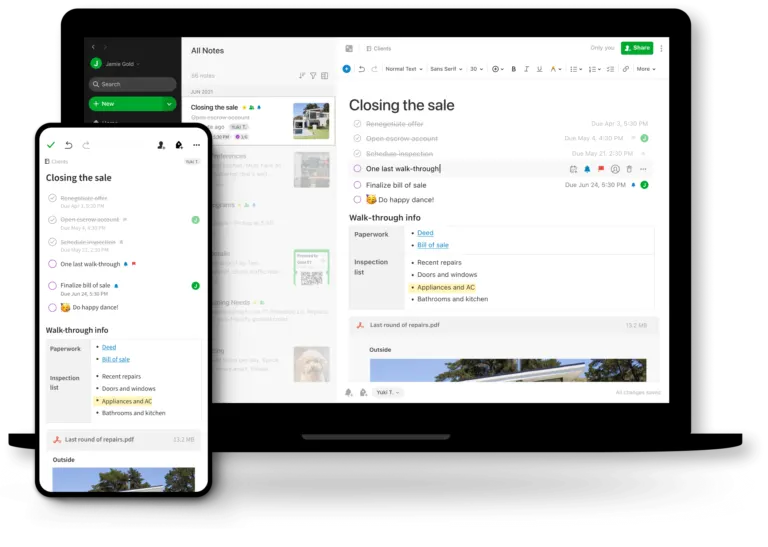
Evernote helps you to capture and arrange your ideas in one place, stored digitally and, (and I love this feature) searchable! I absolutely love my notebooks and pens and am regularly jotting away in my Moleskine and looking for a new Montblanc pen. However, I know that these notes are not only forgotten but very difficult to retrace. For digital notes, I use a few tools, and Evernote is one of the tools I've used for the longest time.
Keeping track of your to do list on an advanced basis
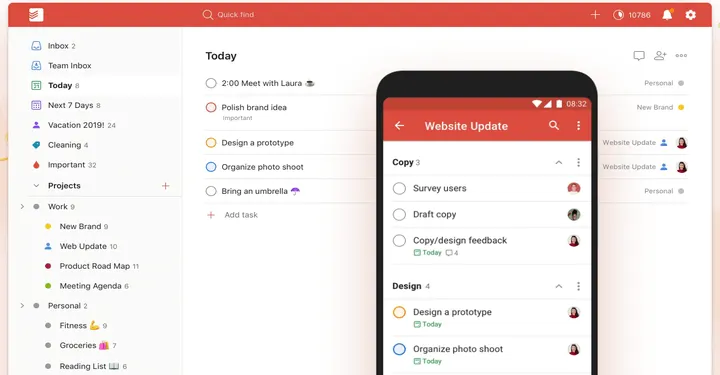
Todoist is one of the best to-do list managers out there. Their slogan, "Regain clarity and calmness by getting all those tasks out of your head and onto your to-do list (no matter where you are or what device you use)", encapsulates what they are all about. Simple, effective and the ability to have separate sections to separate your projects.
Recommended Reading
The entrepreneurial journey can be a lonely one. I highly recommend reading some other journeys to keep you motivated and even spark some ideas.
I highly recommend the following books:
- The Lean Startup: How Constant Innovation Creates Radically Successful Businesses
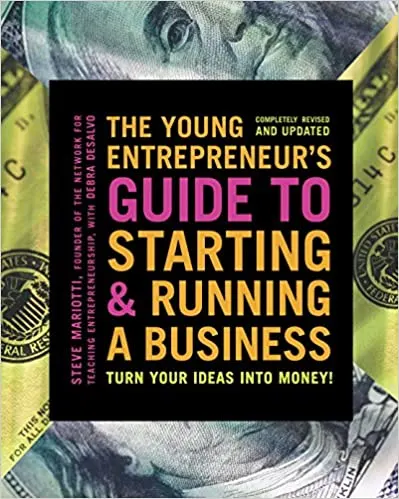
- The Young Entrepreneur's Guide to Starting and Running a Business: Turn Your Ideas into Money!
Good luck on your entrepreneurial journey!
- Harvard Business Review Entrepreneur's Handbook: Everything You Need to Launch and Grow Your New Business (HBR Handbooks)
- The Entrepreneur Roller Coaster: It's Your Turn to #JoinTheRide
- The Entrepreneur Mind: 100 Essential Beliefs, Characteristics, and Habits of Elite Entrepreneurs
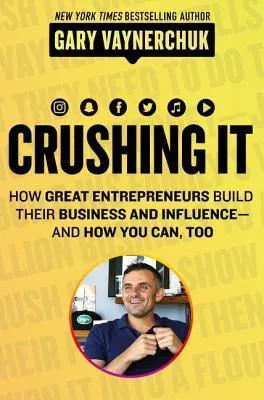
- Crushing It!: How Great Entrepreneurs Build Their Business and Influence—and How You Can, Too
- How I Built This: The Unexpected Paths to Success From the World's Most Inspiring Entrepreneurs